Email tracking
Last updated April 29, 2026
Bondr can track whether recipients open your emails and click links inside them.
How to enable
Go to Settings → Email Accounts and toggle Open Tracking and/or Click Tracking for each email account.
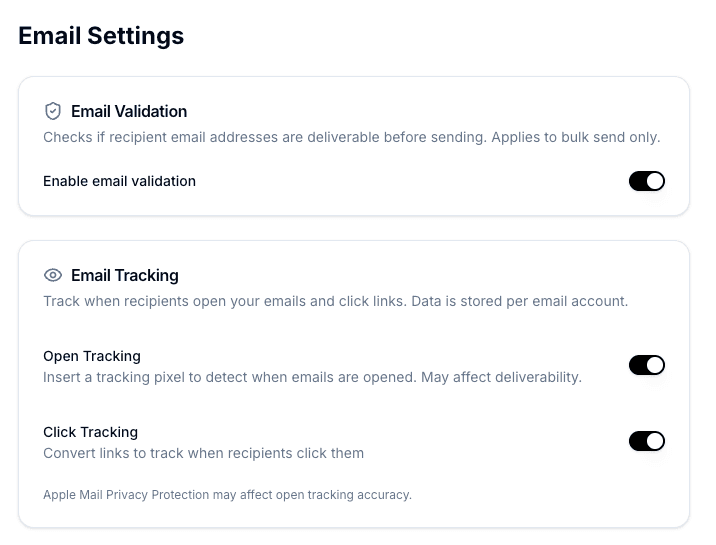
What you see
When tracking is enabled, each thread in your inbox shows indicators for:
- Opens — Whether the recipient has opened your email
- Clicks — Whether they clicked any link in your email
These indicators appear directly on the thread list so you can quickly see engagement without opening each thread.
Accuracy note
Email tracking is not 100% accurate. Some email clients (like Apple Mail) use privacy proxies that automatically load tracking pixels, which can register as an "open" even if the recipient hasn't actually read your email. Bondr marks these as proxy opens where possible, but keep in mind that tracking data is a rough indicator, not a guarantee.