Send settings
Last updated May 11, 2026
These settings are part of the Bulk Send wizard (Step 3). They let you control when and how your bulk emails go out.
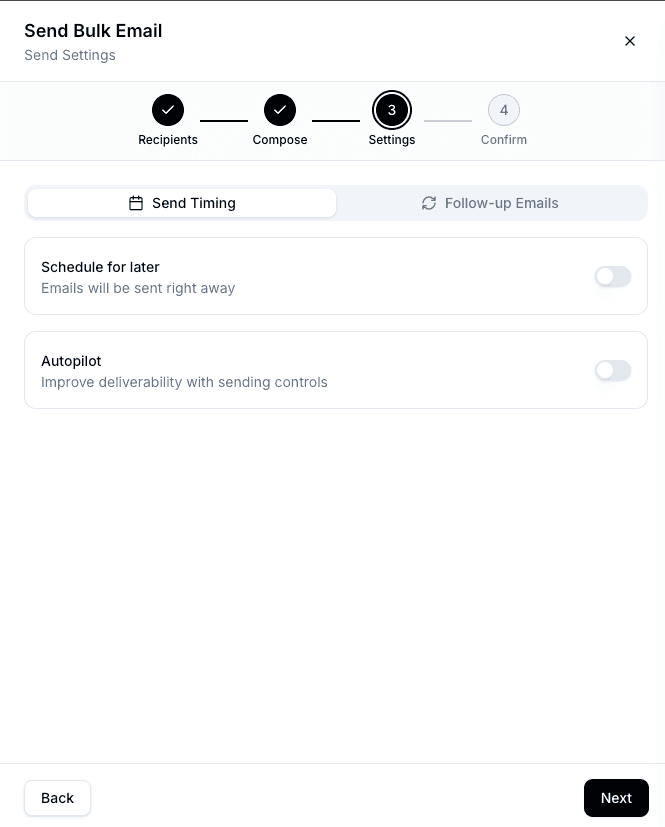
Schedule
By default, emails send immediately. Toggle Schedule for Later to pick a specific date and time to start.
Autopilot
Autopilot spreads your emails over time instead of sending them all at once. When enabled, you can configure:
- Delay between emails — How long to wait between each send (30 seconds to 10 minutes)
- Max emails per day — Optional daily cap (1–2,000). Once reached, sending resumes the next enabled day.
- Send days and hours — Choose which days of the week to send and set active hours for each day (e.g., Monday–Friday, 9 AM – 5 PM)
Bondr shows an estimated completion date based on your settings so you can plan accordingly.
Follow-ups
You can add up to 3 automatic follow-up emails that send only if the recipient hasn't replied.
For each follow-up, configure:
- Delay — How many days to wait before sending (1, 2, 3, 5, 7, or 14 days)
- Body — Write a follow-up message (the original subject line is reused)
Follow-ups respect your Autopilot settings — they use the same sending schedule and rate limits.