Composing emails
Last updated April 29, 2026
You can compose and send emails directly from Bondr — no need to switch to Gmail.
Replying to a thread
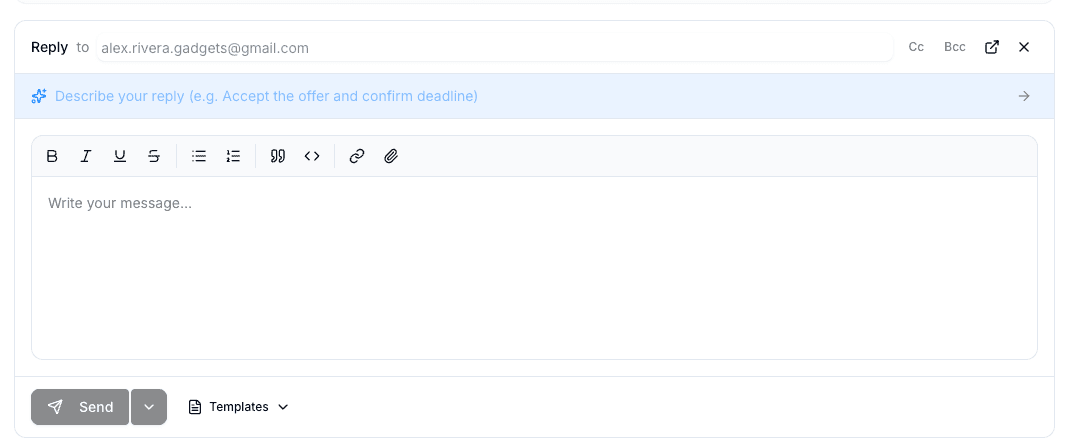
Open any email thread from your inbox and use the reply editor at the bottom. The editor supports rich text formatting including bold, italic, links, and lists.
Using email templates
Templates let you save and reuse common email messages.
- Save a template — Write your email, then click Save as Template to store it for later
- Insert a template — Click the template button in the editor to browse and insert a saved template
AI-assisted drafts
Bondr can generate a reply draft based on the conversation context. See AI reply drafts for details.
Schedule send
Instead of sending immediately, you can schedule an email for a specific date and time. Click the dropdown arrow next to the Send button and select Schedule Send.