Sending bulk emails
Last updated May 11, 2026
Bulk Send lets you email hundreds of influencers at once with personalized messages. The process follows a 4-step wizard.
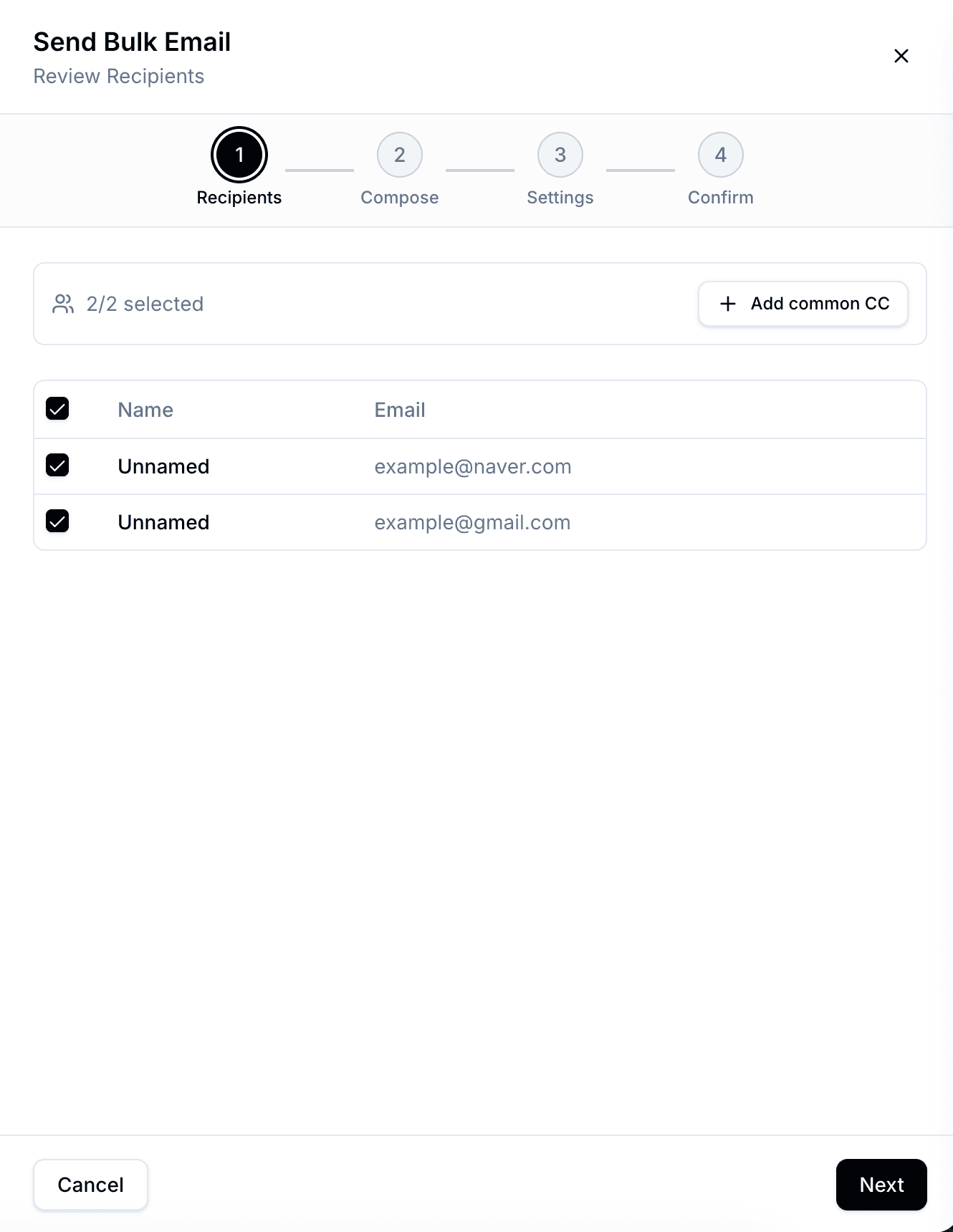
Step 1: Select recipients
Choose which influencers to email from your campaign table. Bondr checks each email address for validity before sending — invalid or disposable addresses are automatically skipped. You can also add common CC recipients that will be included on every initial email in this bulk send. Common CC applies to the initial bulk emails only; automatic follow-ups do not re-add those recipients.
Step 2: Compose your email
Write your subject and body. You can insert template variables like {{name}} or {{platform}} to personalize each email automatically.
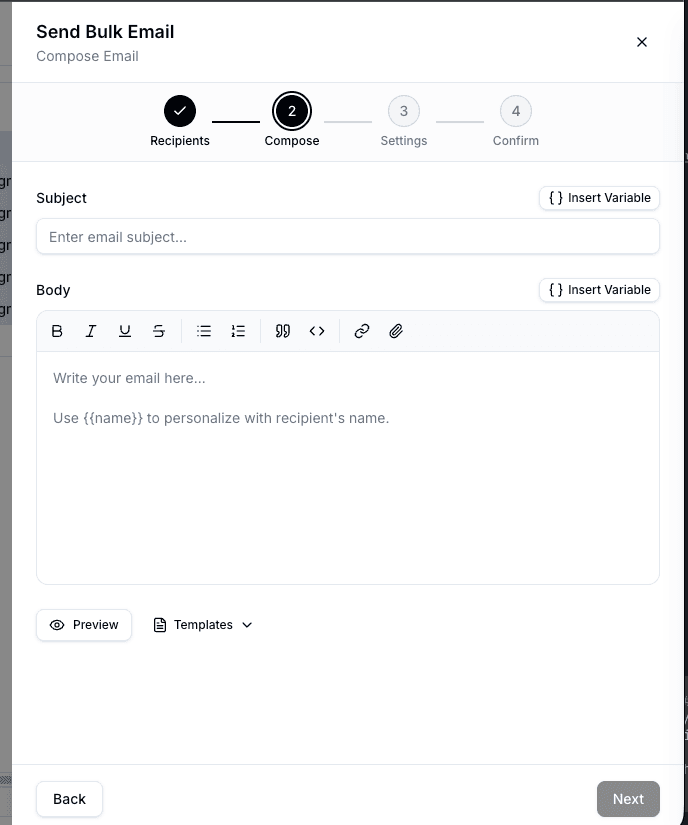
Variables pull data from your campaign's spreadsheet columns — so the column must exist in your table for the variable to work. If a variable has no value for a recipient, the placeholder stays as-is.
Step 3: Configure settings
Set when and how your emails are sent. You can send immediately, schedule for later, or use Autopilot to spread sends over time with automatic follow-ups.
See Send settings for full details on Autopilot, follow-ups, and scheduling.
Step 4: Review and send
Preview your email one last time, confirm the recipient count, and send.